

Getting started
Members and dues rates
Browse departments, register members, review member changes, and set monthly dues rates.
What this screen is for
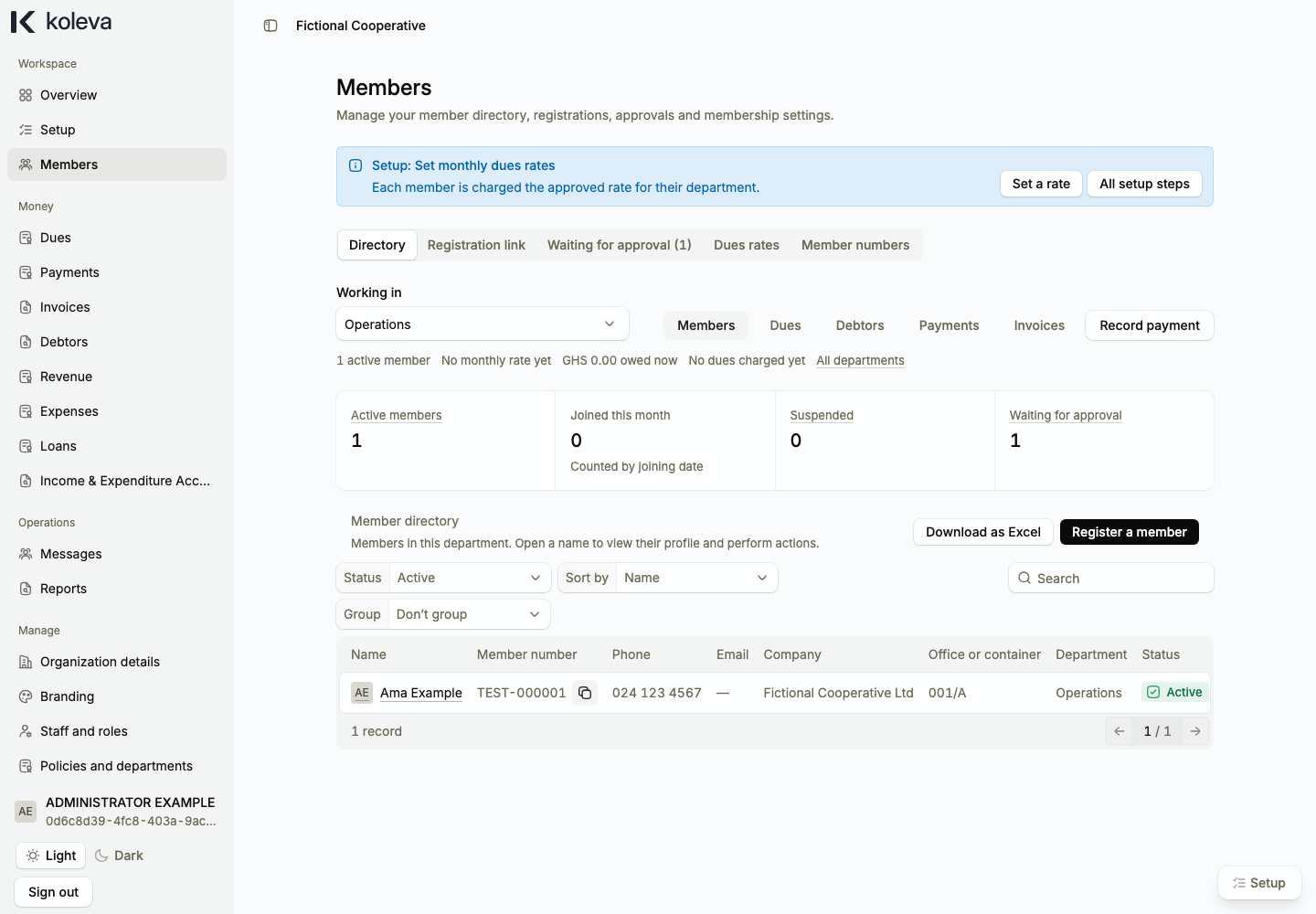
The Members screen holds your organization directory, member profiles, approval queue, monthly dues rates, and member numbering settings. You choose a department first to view its members, register new members, or set that department’s monthly dues rate.
Before you start
- Your organization must be verified by Koleva, and your organization policy and member numbering must be approved.
- You need at least one approved department before you can register a member or set a department dues rate.
- To register a member, have their full name, company name, telephone number, joining date, first chargeable month, and at least one beneficiary’s name, relationship, and telephone number ready.
Step by step
- Select Members in the sidebar to open the Directory tab, then select Open on the department you want to work in.
- To add a member, select Register a member, confirm the department, and enter the member’s personal details, company name, office or container number, joining date, and the month their dues start.
- Add one to three beneficiaries for the member, attach an optional photo, save your draft, and submit the registration for administrator approval.
- To set what members pay each month, select the Dues rates tab, choose the starting month and year, enter the monthly amount, and submit the rate.
- If you need to record payments for earlier years before your first approved rate, enter that earlier starting month and year on Dues rates and save it as a historical baseline.
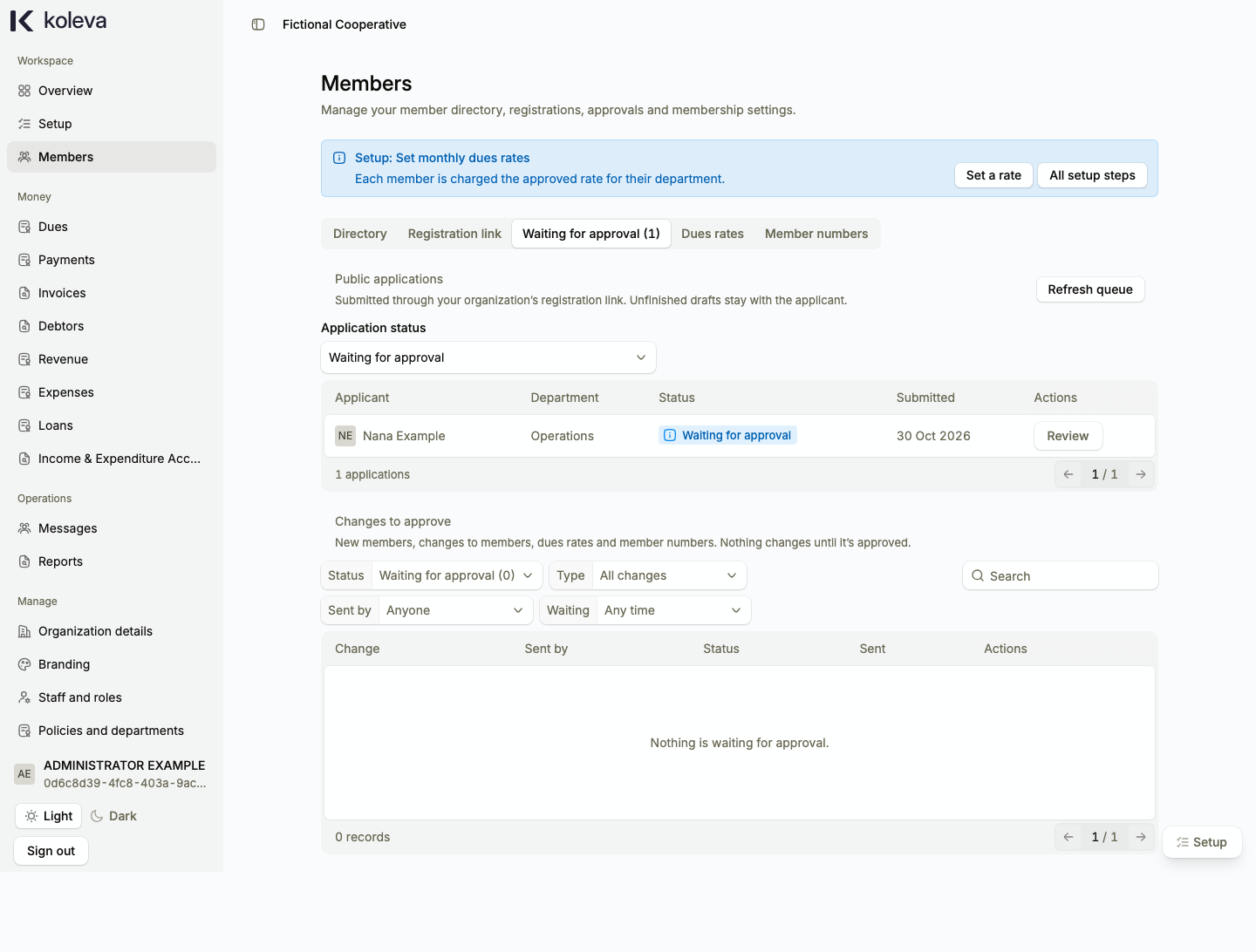
- Select the Waiting for approval tab to review pending staff member proposals or public applications. Select Review on a row, enter a note, and approve or reject the change.
Common questions
Does registering a member give them a password to sign in?
No. The Members directory is your organization’s operational register. Registering a member assigns them a membership number such as KLV-000001 and tracks their dues, payments, and statements. Staff accounts that sign in to dash.koleva.app are invited separately under Staff and roles.
Can I change a member’s joining date after approval?
No. A member’s joining date and first chargeable dues month are permanent once approved. When you register a long-standing member, enter the actual date they joined your organization, not the date you signed up for Koleva.
How do I move a member to a different department?
Open the member’s profile from the directory and select Edit member. You can schedule a department transfer for a future month while keeping their past department history intact.