

Manage and account
Organization details and branding
Submit your organization details for verification and configure your logo and interface typeface.
What this screen is for
The Organization details and Branding screens under Manage control your organization’s registered identity and visual appearance. You use Organization details to enter your registration number, location, and contact details and submit your organization for Koleva review. You use Branding to upload your organization logo and choose your workspace typeface.
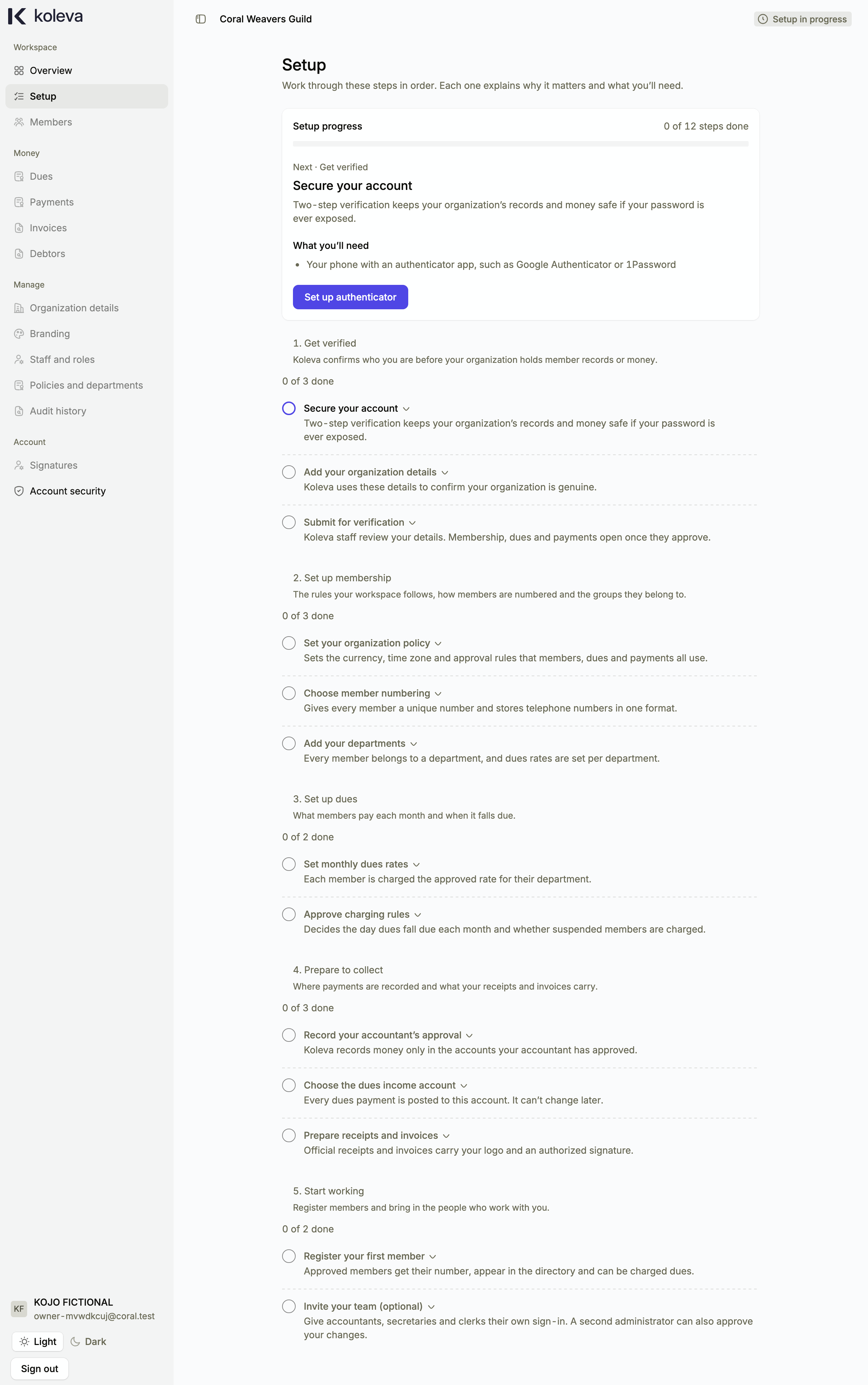
Before you start
- Only an Administrator can submit organization details for verification or change organization branding.
- For your logo, prepare a clean Portable Network Graphics (PNG) or Joint Photographic Experts Group (JPEG) image file.
Step by step
- Select Organization details in the sidebar under Manage.
- Enter your Organization name, Registration number, Contact email, Country, City, Organization address, and optional Website, then select Save organization details.
- Confirm that your details are accurate and select Submit for verification so Koleva staff can review and activate your organization.
- Select Branding in the sidebar under Manage to customize how your workspace and official documents look.
- Upload your organization logo, preview how your organization name and logo appear, choose whether your workspace interface uses the default sans-serif typeface (Inter) or serif typeface (Times New Roman), and save your changes.
Common questions
Why are currency, time zone, and telephone code not editable on Organization details?
Koleva derives your currency, time zone, telephone code, and usual financial year automatically from the country and city you choose on Organization details. Before your first organization policy is approved, you can also use Change location on the policy form if you are setting up while traveling.
If we update our logo on Branding, does it change old receipts and invoices?
No. Every issued receipt and invoice stores a permanent snapshot of the logo, signatory, and template used at the moment it was issued. Updating your logo affects only documents issued after the change.